When a barcode beats a photo
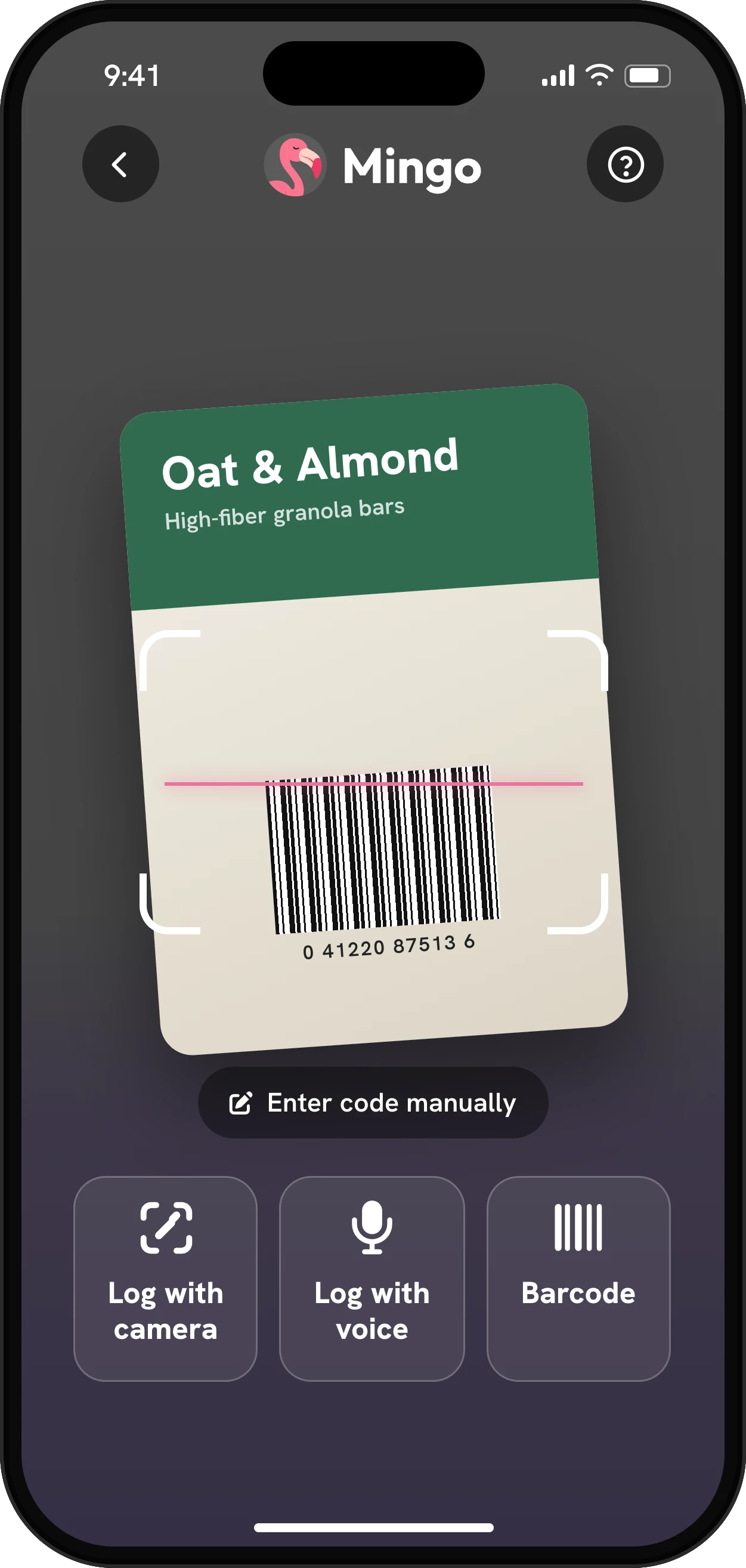
The AI meal logger is great for a plate of food, but a protein bar in its wrapper all looks the same to a camera. For anything packaged, the barcode is the most exact way to log it: the numbers come from the product itself, not an estimate.
That matters on a GLP-1 medicine, where a lot of people lean on packaged protein shakes, yogurts, bars and high-fiber crackers to reach their goals on a small appetite. Two bars can look alike on the shelf and still differ a lot in protein, fiber and sugar, so the label, not the wrapper, is what counts.
Where the numbers come from
Mingo’s barcode lookup checks its own food database first. That database is built from Open Food Facts, a free, community-edited catalog of packaged products, together with USDA FoodData Central and the Brazilian TACO table for generic foods. If a barcode isn’t there yet, Mingo asks Open Food Facts directly and keeps the result for the next person who scans it.
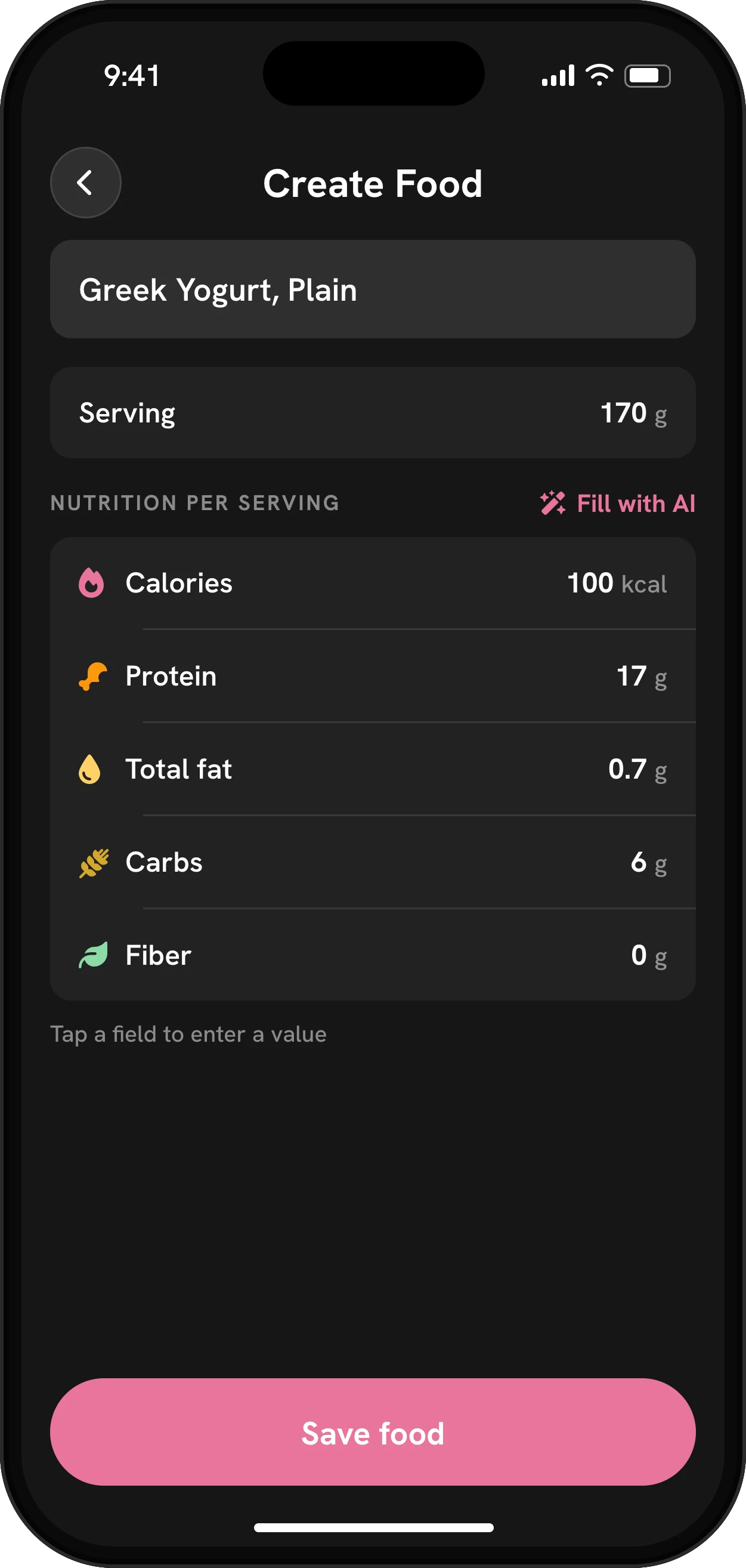
Community data is broad but not perfect. If a scanned product’s numbers don’t match the label in your hand, the label wins: create a custom food with the right values.
Four ways to find a food
| Method | Use it for | What you get |
|---|---|---|
| Scan | Packaged foods with a barcode | The product’s label values |
| Search | Generic foods (banana, rice) and brands | Matches from the food database |
| My Foods | Things the database doesn’t have | Your own entry, from the Nutrition Facts panel |
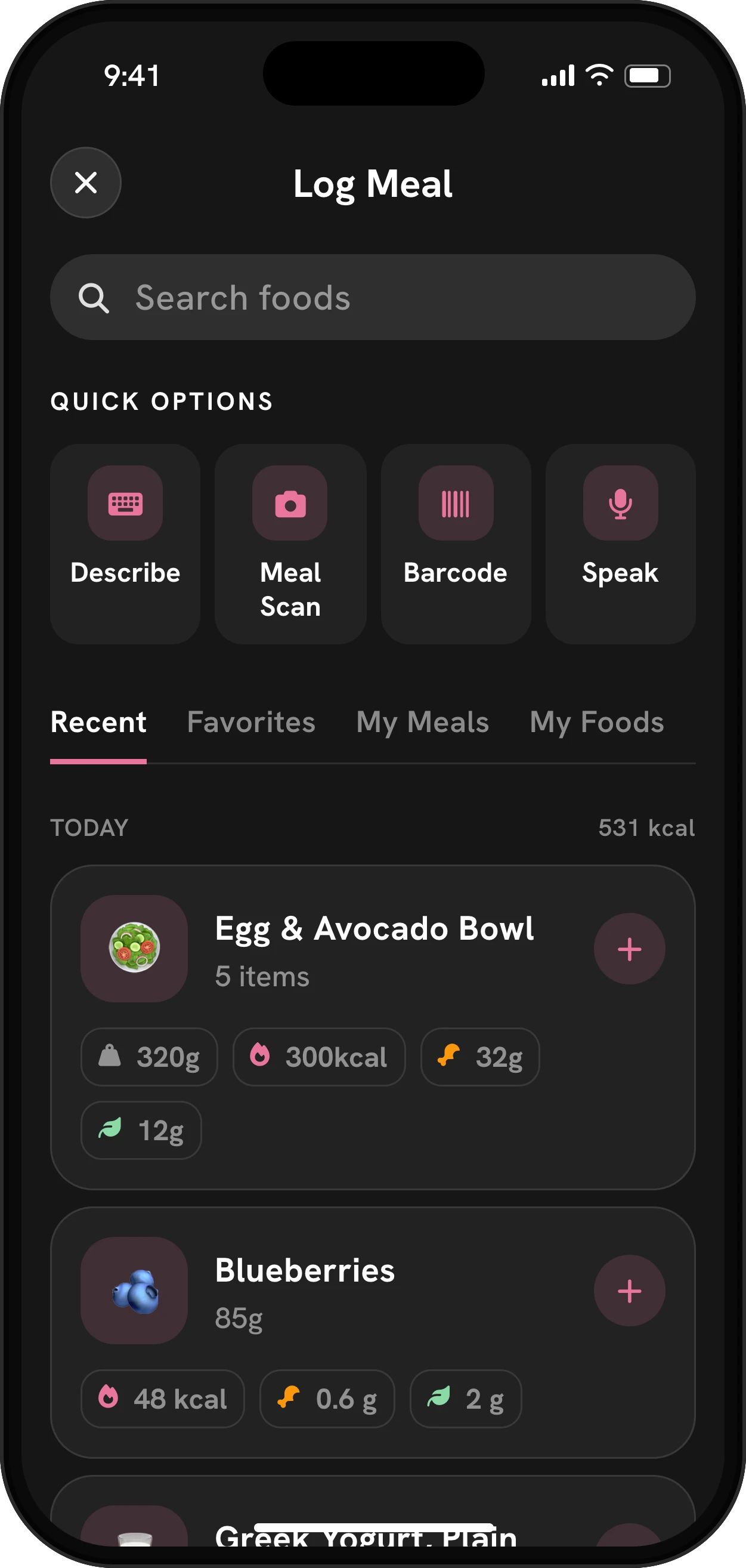
| Favorites, Recent | What you eat again and again | One tap, no searching |
Creating your own foods
If a product isn’t found, or it’s something homemade, create it once. Mingo’s form follows the US Nutrition Facts panel: serving size and servings per container, calories, total fat (with saturated, trans, mono- and polyunsaturated), cholesterol, sodium, total carbs, dietary fiber, total and added sugars, and protein. Only the name is required, so you can fill in just the numbers you care about.
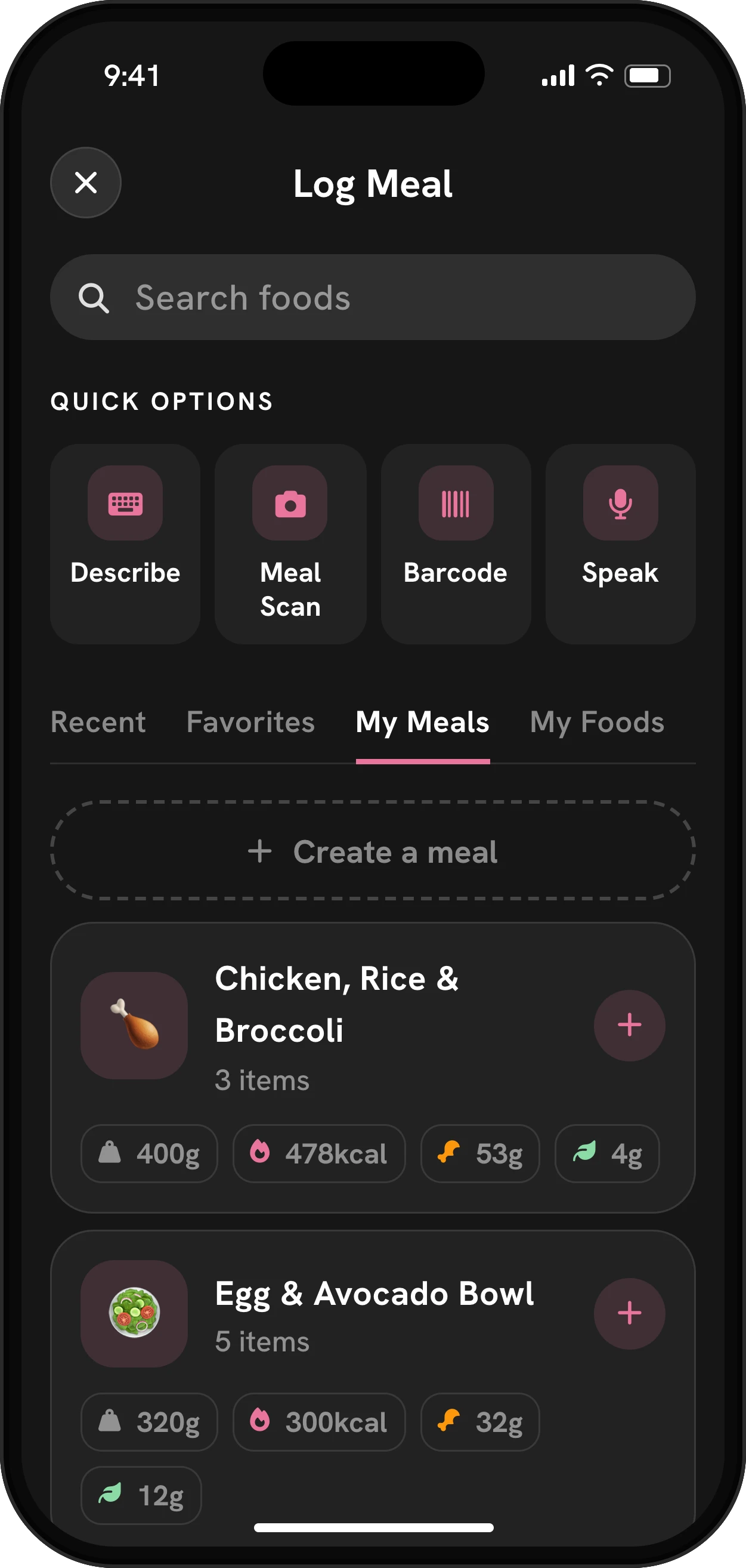
Custom foods live under My Foods. You can also combine several foods into a saved meal, such as “Greek yogurt, berries, granola”, and log the whole thing in one tap.
Getting a clean scan
A few small things make scanning faster:
- Hold the phone steady with the whole barcode inside the frame, in decent light.
- Flatten crinkled wrappers; curved bottles often scan better if you turn them slowly.
- Check the serving before you add it. Labels list one serving, and what you ate may be half or two.
- If the scan comes back as “Product not found”, search by name first. Many products are in the database under a slightly different barcode or a regional version.
Once a product is in your log, it shows up under Recent, so you rarely need to scan the same thing twice. Star it to keep it under Favorites for good.
Why exact numbers help on treatment
On a small appetite, the gap between a good day and a short day is often one snack. Knowing the exact grams of protein in your yogurt, rather than “some”, makes it easier to plan the rest of the day around your goals.
Scanners that score food vs. scanners that log it
Search for a food barcode scanner and you’ll find two kinds of app. Ingredient scanners such as Yuka or Open Food Facts’ own app judge a product: a grade, an additive warning, an allergen flag. Logging scanners record what you ate so it counts toward your day. Both start from the same barcode, but they answer different questions: “should I buy this?” versus “how much protein have I had today?”
Mingo is the second kind. It won’t tell you a cracker is “bad”; it adds the cracker’s fiber and protein to your goals, next to your doses and side effects. If you also care about additives, there’s no harm in keeping a grading app for the store and logging in Mingo at home.
Reading the label for GLP-1 goals
When you scan, look past calories. Two numbers do most of the work on treatment:
- Protein per serving. A 2025 joint advisory suggests about 1.2 to 1.6 g per kg of body weight a day while losing weight on a GLP-1 medicine. Our protein calculator turns that into grams for you.
- Fiber per serving. Fiber, with enough fluid, helps with constipation, one of the most common side effects. Your fiber tracker shows how far a scanned food gets you.
Once added, the food counts toward the same daily goals as every other meal in the GLP-1 food tracker.
