Skip to content

Apple Health and Health Connect

GLP-1 Tracker with Apple Health and Health Connect Sync

Connect Mingo to Apple Health on iPhone or Health Connect on Android, and your weigh-ins, steps, workouts, calories burned and water come in on their own, ready for your charts and your doctor report.

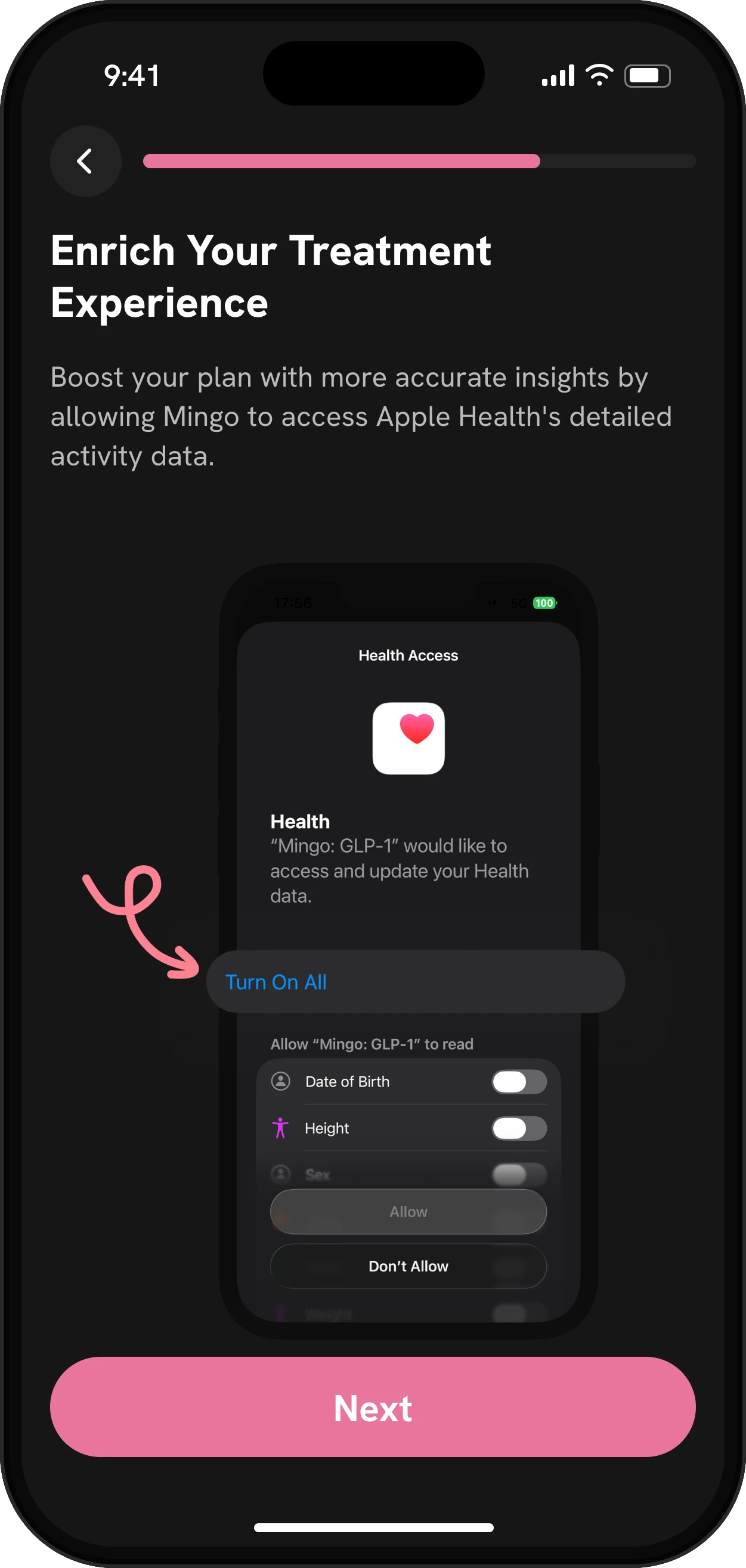
Mingo onboarding step to connect Apple Health

Quick answer

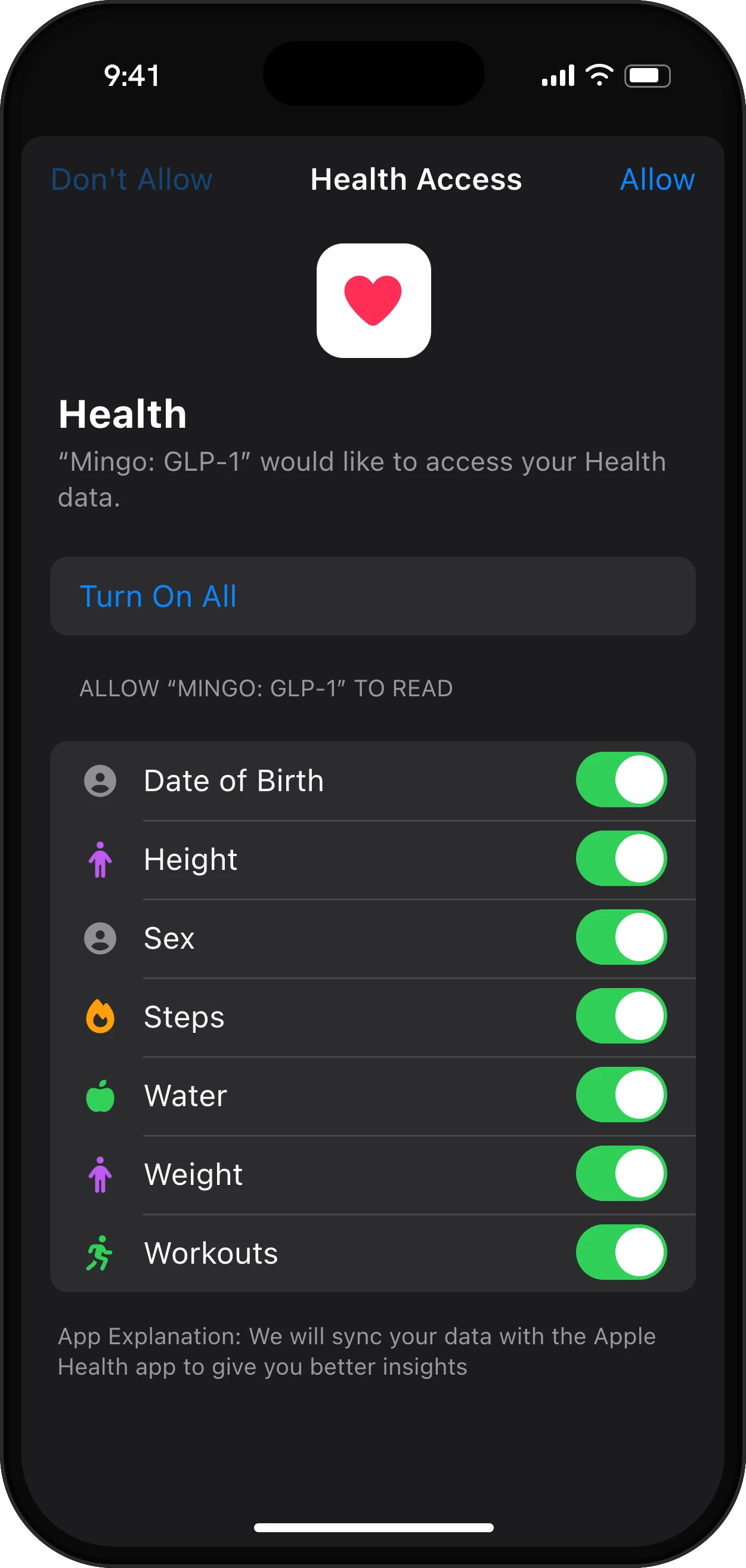
Mingo connects to Apple Health on iPhone and Health Connect on Android. It reads your weight, steps, workouts, active and total calories burned, water and height. On iPhone it also reads your sex and birth date. Mingo only reads: nothing you log in Mingo is sent to your health app. You choose each data type in your phone's permissions.

What it does

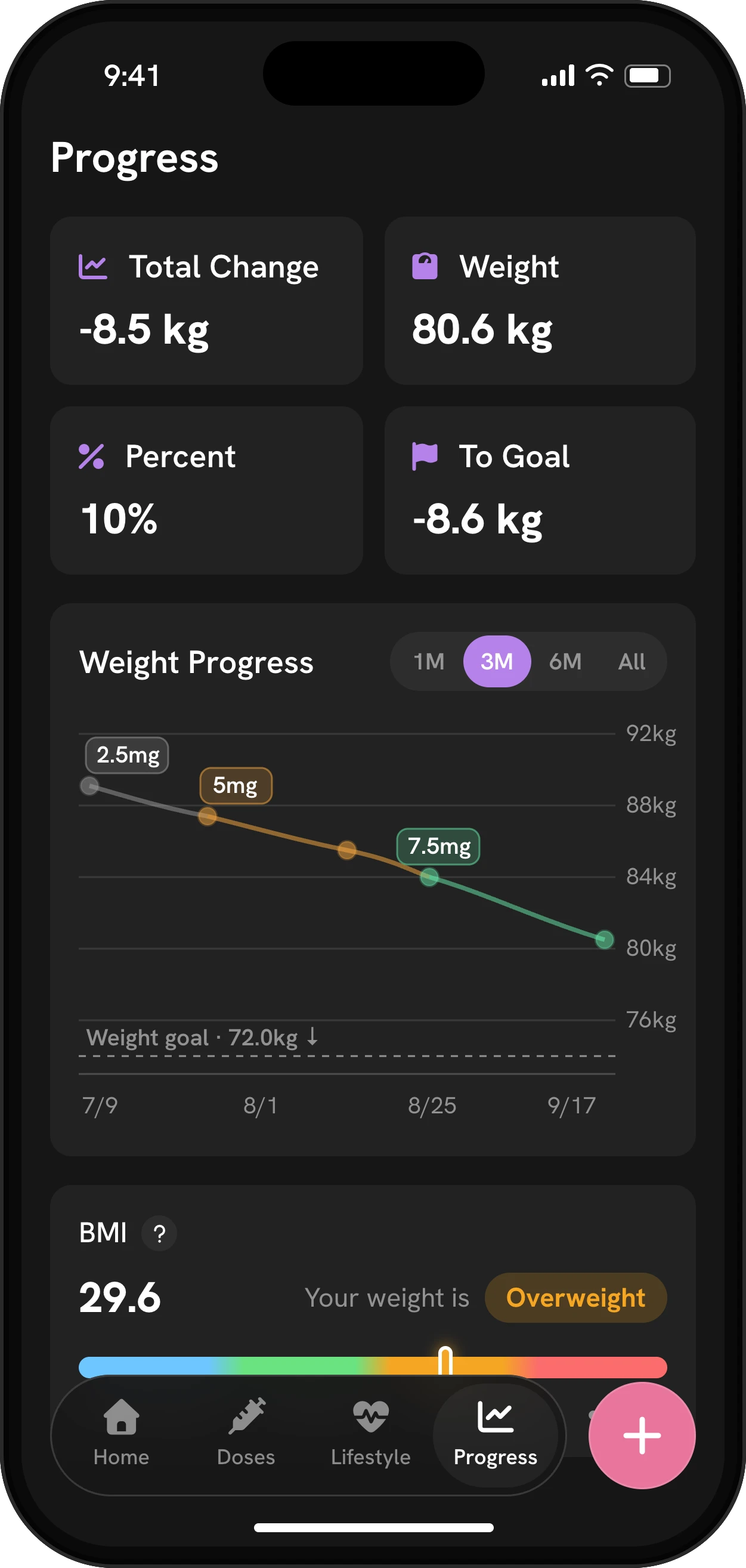
Mingo Progress tab: total change, weight, percent lost and distance to goal, a weight chart colored by dose with the goal line, and BMI
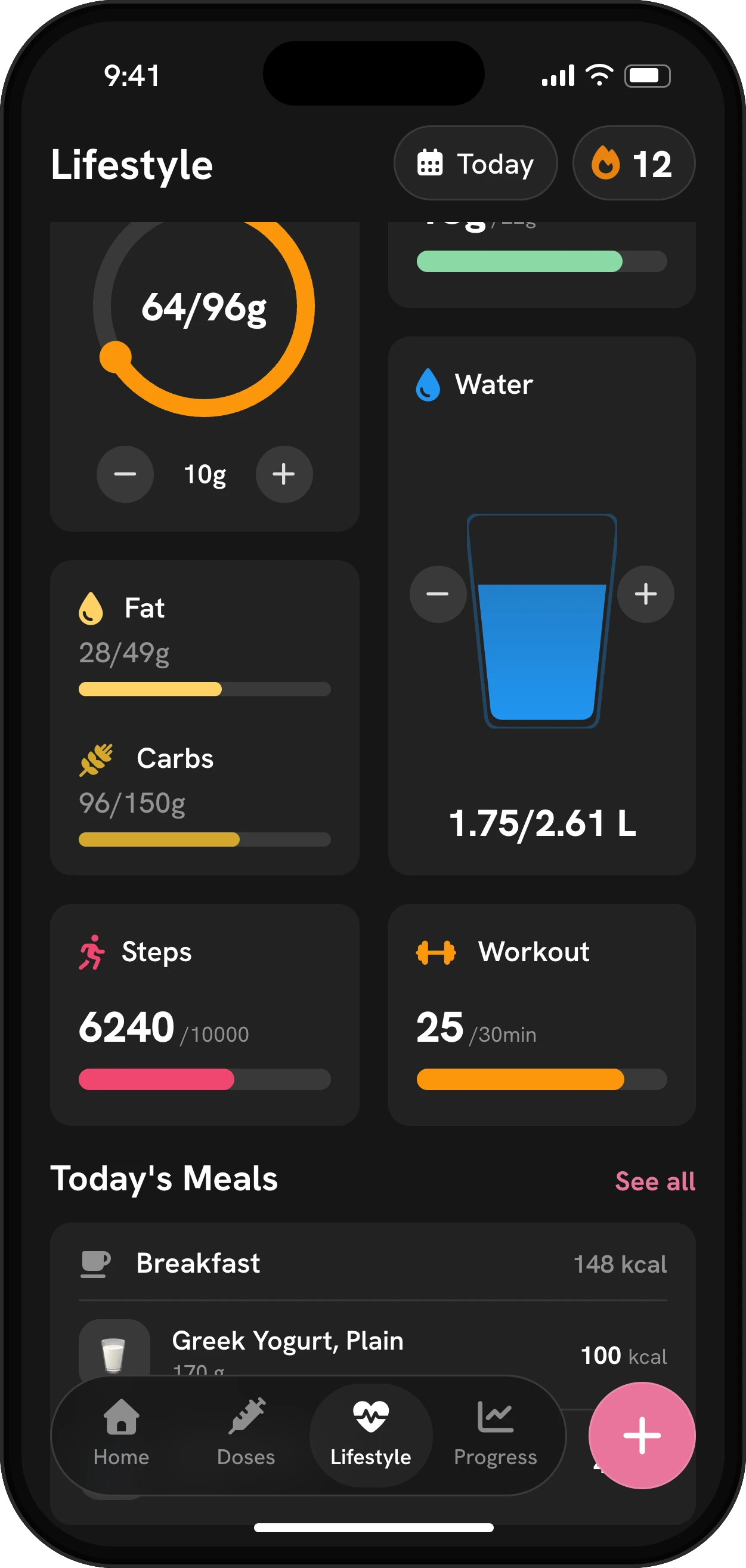
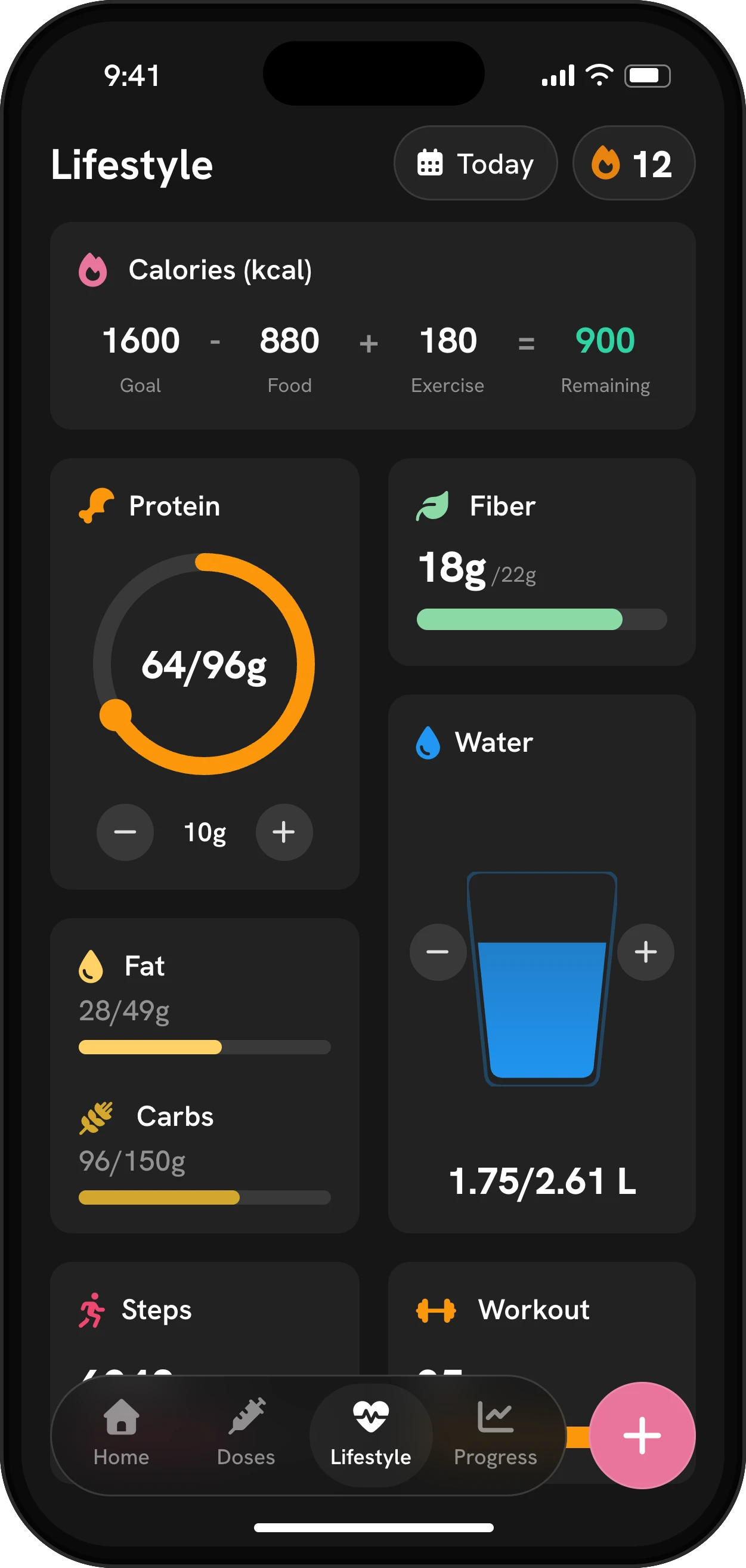
Screens from the Mingo app, with example data.

How to use it in Mingo

  1. Tap Connect Health

    You'll see it when you set up Mingo, and later in Settings.

  2. Choose what to share

    Your phone shows a permission screen for each data type. Turn on the ones you want Mingo to read.

  3. On Android, install Health Connect if asked

    If Health Connect isn't on your phone, Mingo sends you to install it first.

  4. Fix missing data in Settings

    If something doesn't come in on iPhone, go to Settings › Health › Data Access & Devices › Mingo and check that each category is on.

Free tools for this

Why connect your health app

Most people on a GLP-1 already have data scattered across their phone: a smart scale app, a step counter, a watch that records walks, maybe a food app. Typing all of it into one more app is the kind of chore that ends tracking after two weeks. Connecting Mingo to Apple Health or Health Connect means the numbers you already collect show up next to your doses without extra work.

That matters most for weight and activity. A weight chart colored by dose is only useful if the weigh-ins are there, and the activity section of your doctor report is only complete if your walks and workouts are in it.

What Mingo reads

Data iPhone (Apple Health) Android (Health Connect)
Weight Reads Reads
Steps Reads Reads
Workouts Reads Reads
Active and total calories burned Reads Reads
Water Reads Reads
Height Reads Reads
Sex and birth date Reads Not available

You decide which of these Mingo can see. Your phone asks for each type separately, and you can change your mind later in your phone’s settings.

Mingo doesn’t send your medication, doses, side effects, meals or photos to Apple Health or Health Connect. The connection only reads: nothing goes from Mingo to your health app.

Setting it up on iPhone

Tap Connect Health, either during setup or later in Settings. Apple Health shows its permission screen: turn on the categories you want Mingo to read.

If something doesn’t appear, the fix is almost always a switch. Go to Settings › Health › Data Access & Devices › Mingo, or in the Health app tap your profile, then Privacy, then Apps, and check that each category is on. Apple Health sync isn’t available on iPad.

If two apps record the same thing, say your scale’s app and another weight app, Apple Health keeps both and ranks the sources. You can reorder them in the Health app under that category’s Data Sources & Access, as Apple’s support guide explains.

Setting it up on Android

Mingo uses Health Connect, Android’s shared health store. Google describes it as one place to manage which health and fitness apps share data, with the data kept on your phone. On Android 14 and later it’s part of the system, under Settings › Security and privacy › Privacy controls › Health Connect. On older versions it’s a separate app from Google Play; if it isn’t installed, Mingo sends you to install it first. Then grant Mingo access to the data types you want.

One thing to know: according to Google, an app you connect can read the last 30 days of Health Connect data plus anything new after that, so older history from before you connected may not come in. On Android the connection is read-only: Mingo reads from Health Connect but doesn’t write to it, and sex and birth date aren’t part of what it reads.

Smart scales and watches

Mingo doesn’t connect to scales or watches directly. It doesn’t need to: if your scale’s app or your watch saves to Apple Health or Health Connect, Mingo reads it from there. Weigh in, and the reading lands on your weight chart, colored by the dose you were on. There’s no Mingo app on Apple Watch, but steps and workouts your watch records reach Mingo through Apple Health on your iPhone.

Where the data shows up

  • Weight fills your weight chart, BMI and total change.
  • Steps and workouts fill the activity card on the Lifestyle tab and the activity section of your report.
  • Water counts toward your daily water goal in the water tracker.
  • Height, and on iPhone sex and birth date, help with BMI and the targets in your plan. You can check your numbers with the BMI calculator.

Privacy

Mingo has no account, and your log is stored on your phone. Data read from Apple Health or Health Connect is used inside Mingo for your charts, plan and report. You can turn off any category in your phone’s settings at any time.

Mingo is a tracker, not medical advice.

Frequently asked questions

Does Mingo work with Apple Health?

Yes. On iPhone, Mingo reads weight, steps, workouts, active and total calories burned, water, height, sex and birth date, depending on what you allow. It doesn't write anything back to Apple Health.

Does Mingo work with Health Connect on Android?

Yes. Mingo reads weight, steps, workouts, calories burned, water and height from Health Connect. It doesn't write to Health Connect, and sex and birth date aren't read on Android.

Does Mingo send my doses or side effects to Apple Health?

No. Your shots, side effects, meals and photos stay in Mingo. Mingo only reads from Apple Health and doesn't write anything to it.

Can I sync my smart scale with Mingo?

Indirectly. If your scale's app writes weight to Apple Health or Health Connect, Mingo picks it up from there once you allow weight.

Does it work on iPad or Apple Watch?

Apple Health sync runs on iPhone; it's not available on iPad. There's no Mingo app for Apple Watch, but steps and workouts your watch saves to Apple Health come into Mingo through your iPhone.

Why isn't my data showing up?

Usually a permission is off. On iPhone, open Settings › Health › Data Access & Devices › Mingo and turn on each category. On Android, check Mingo's permissions in Health Connect.

What is Health Connect?

Health Connect is Android's shared place for health and fitness data. Apps you allow can read and write to it, the data is stored on your phone, and you choose which apps see which data types.

How do I open Health Connect?

On Android 14 and later it's built in: open Settings, then Security and privacy, then Privacy controls, then Health Connect. On Android 13 and earlier it's an app from Google Play, found under Settings › Apps.

Which apps work with Health Connect and Apple Health?

Most big fitness, scale and nutrition apps do. Google Play keeps a live list of apps that work with Health Connect, and on iPhone you can see every connected app in the Health app under your profile, then Apps. Mingo is one of them, for GLP-1 treatment.

Can I turn sync off?

Yes. Turn off any category, or all of them, in Apple Health or Health Connect at any time. Data already in Mingo stays in your log.

Sources

Health facts on this page come from the sources listed here. Mingo is a tracker, not medical advice. Updated .

  1. Apple Support: Manage Health data on your iPhone, iPad or Apple Watch
  2. Google Android Help: Get started with Health Connect
  3. Google Play: Works with Health Connect

More Mingo features

Best GLP-1 Tracker Apps in 2026, Compared

Six GLP-1 tracker apps compared on features, ratings and price, and why one app for shots, food and side effects beats paying for two. Checked Oct 30, 2026.